book a demo


 book a demo

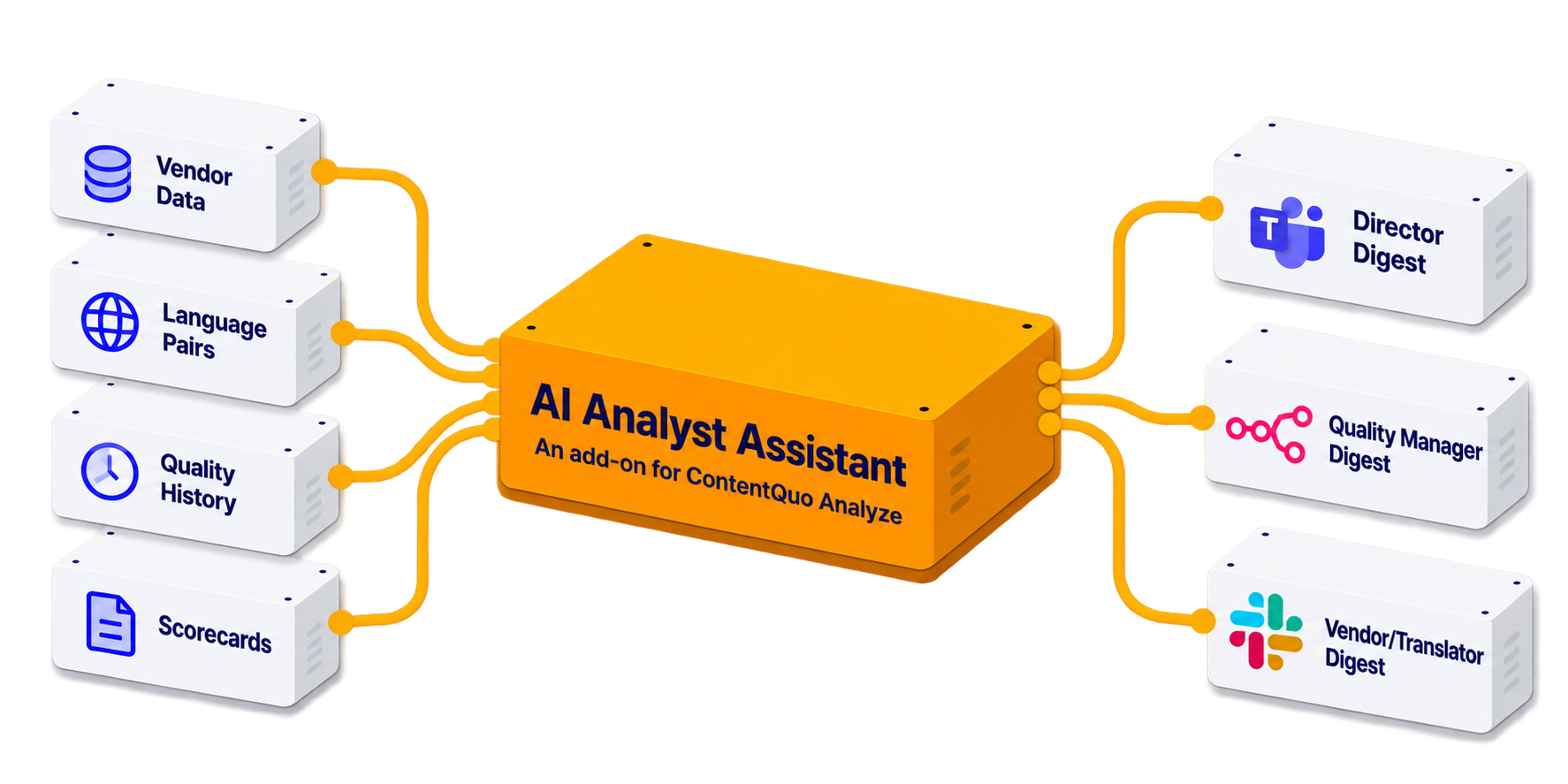
Ask natural-language questions about your quality metrics and get instant answers.
Get scheduled quality digests delivered straight to Slack, Teams, or wherever your team already works.
Live today. Contact us to request it as a ContentQuo Analyze add-on.
THE CHALLENGE
Getting a straight answer out of your LQA data usually means one of four slow paths.
01
A report answers last month’s question. The moment you need a different cut, you’re back to square one.
02
Need a vendor comparison or a language-pair trend this week? That's a ticket to your LSP — not a self-serve answer.
03
Legacy LQA data lives in old exports and spreadsheets, disconnected from any tool that could actually reason over it.
04
Quality trends slip through the cracks because checking them is a task nobody formally owns — until something breaks.
How It Works
Most quality dashboards make you dig for the answer yourself — filter by vendor, filter by language, export, pivot, repeat. AI Analyst Assistant skips all of that: ask a plain question, and it answers directly — as a number, a table, or a chart, the way an analyst would build it by hand.
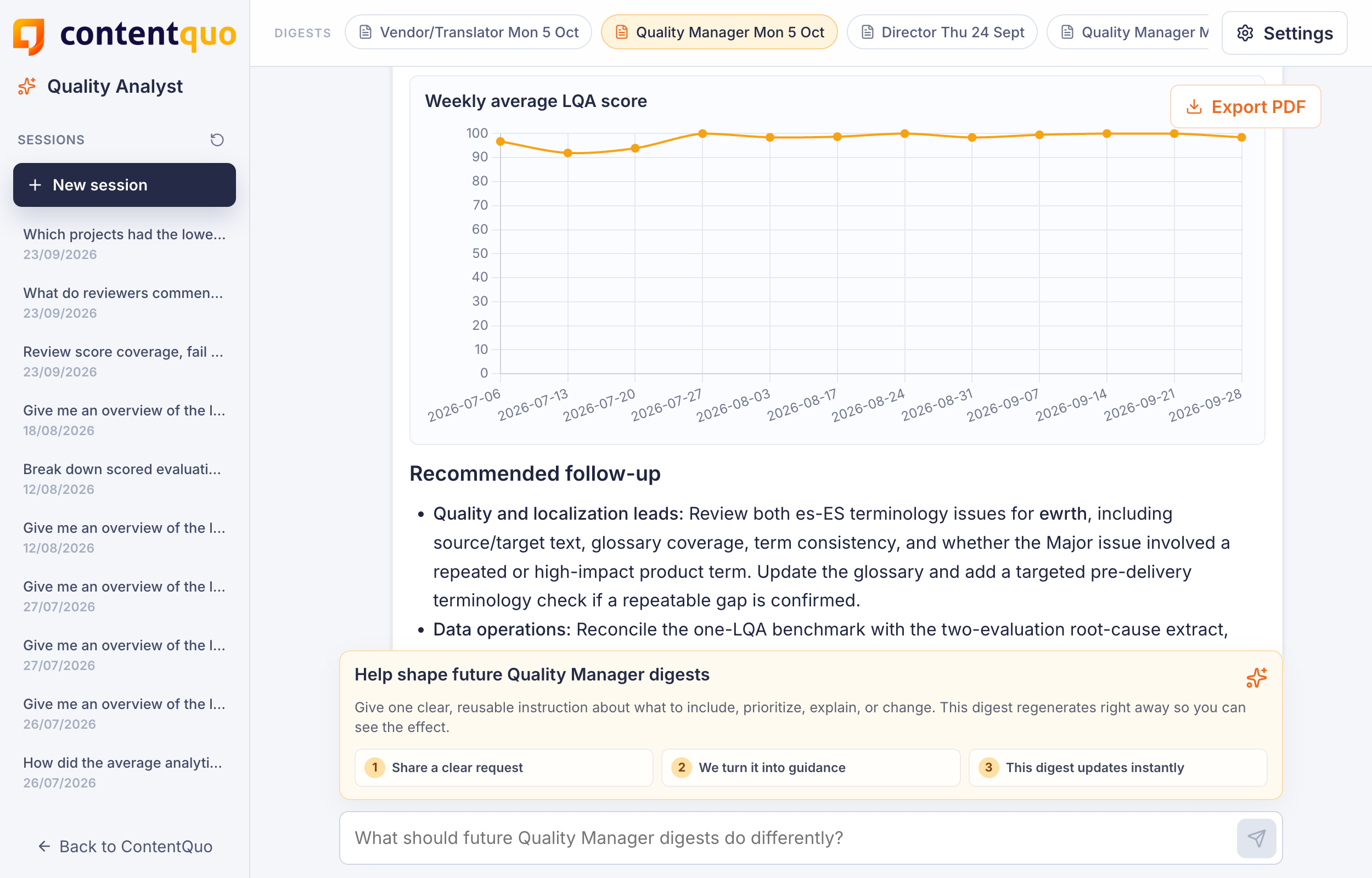
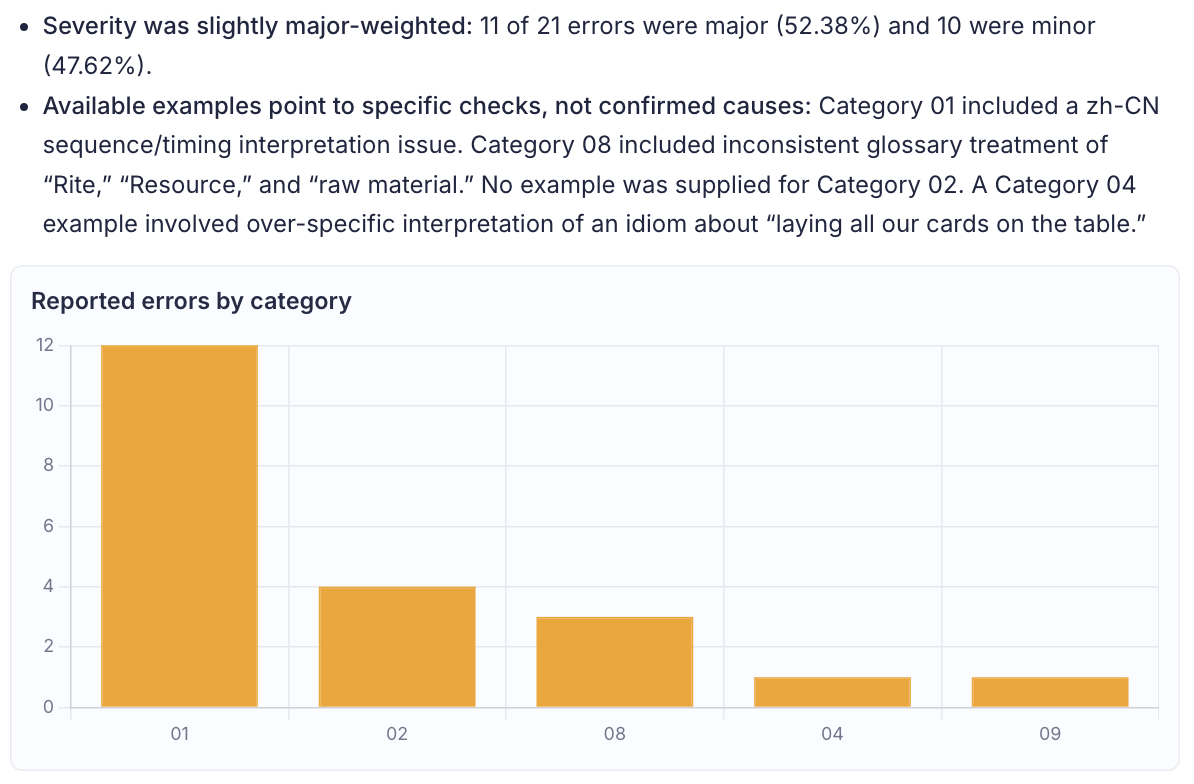
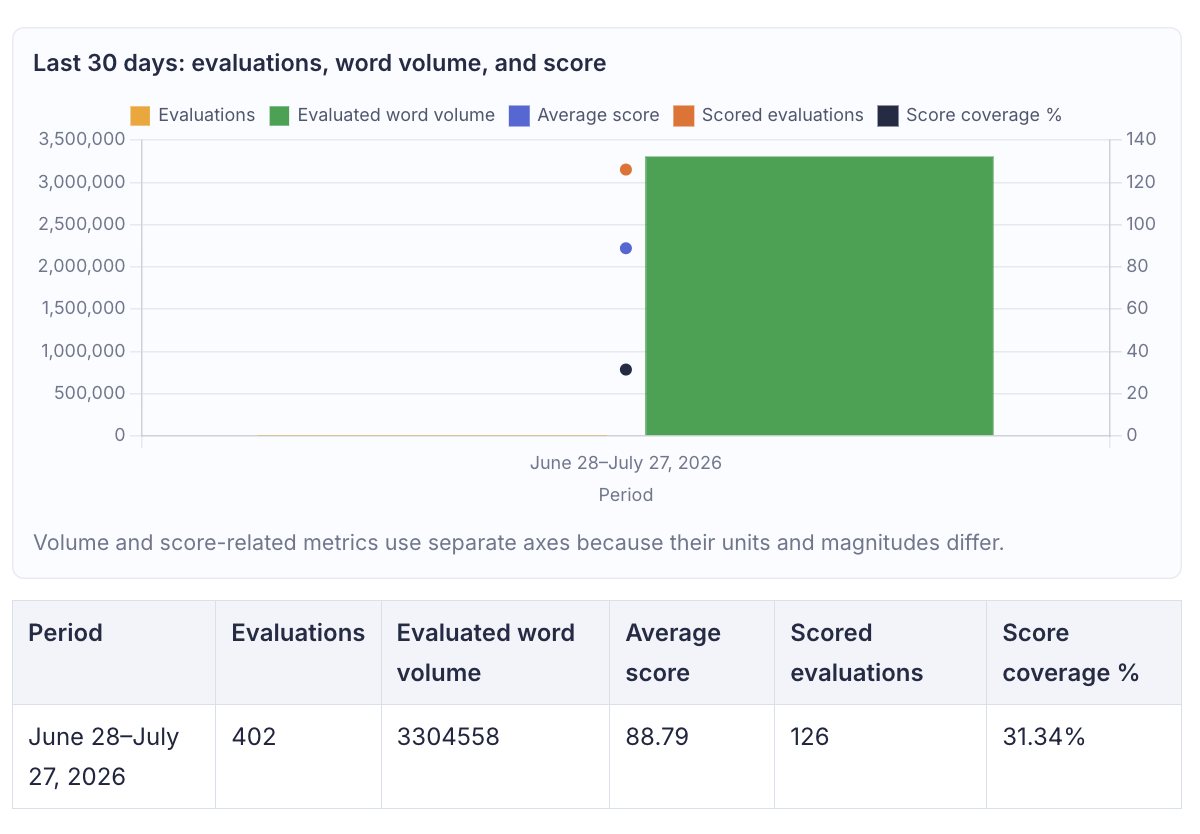
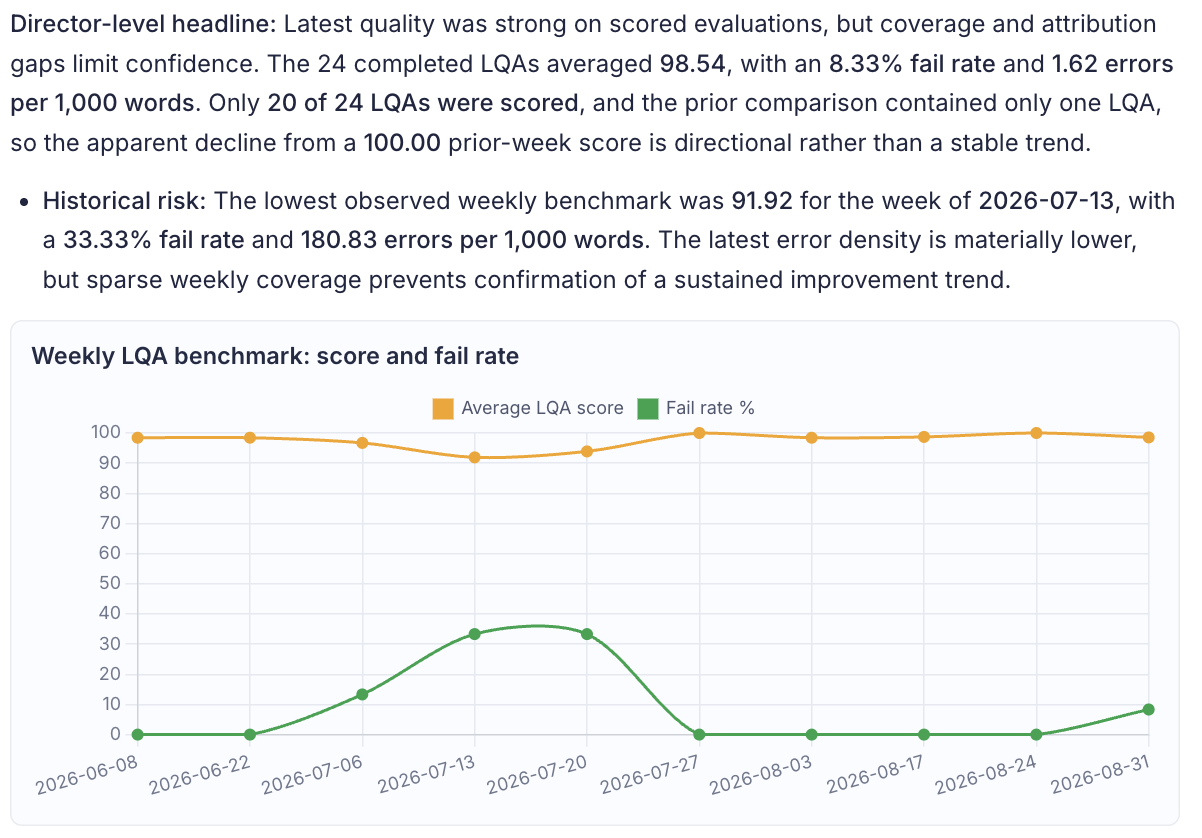
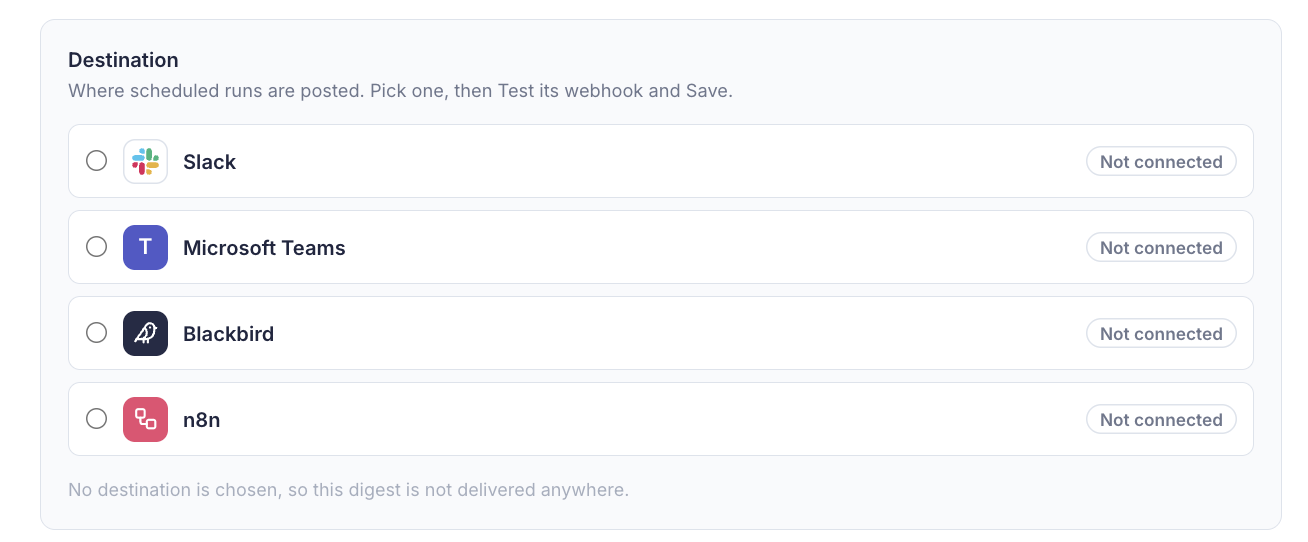
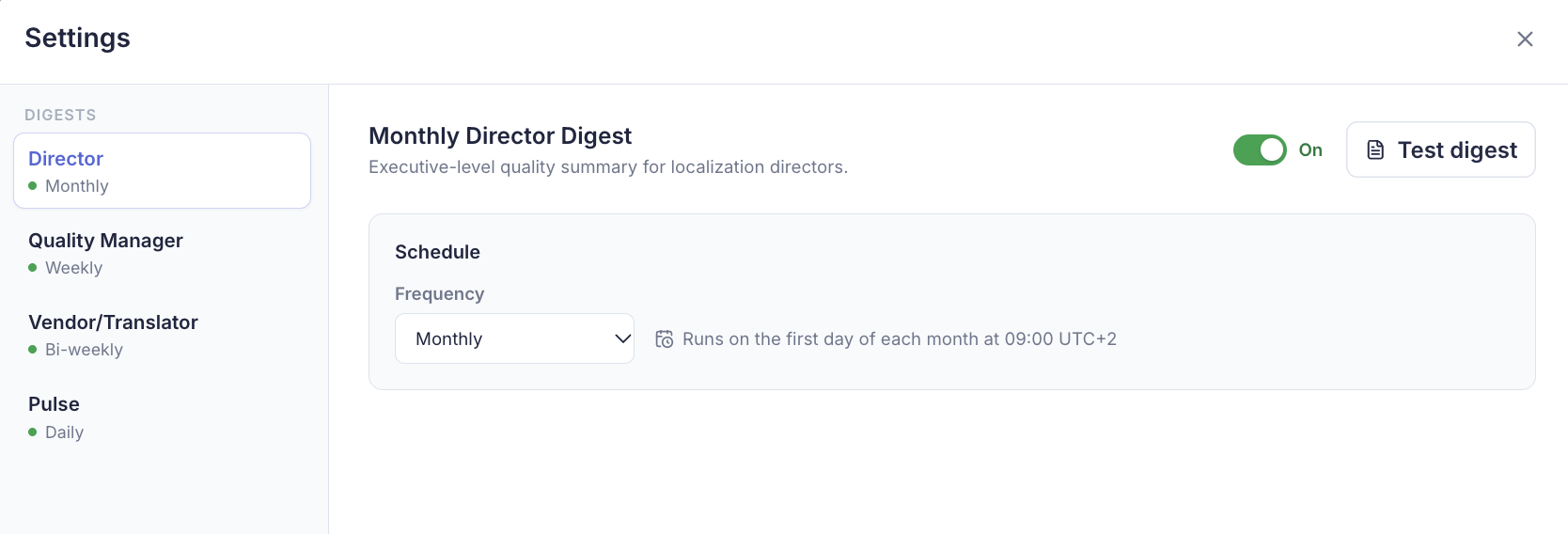
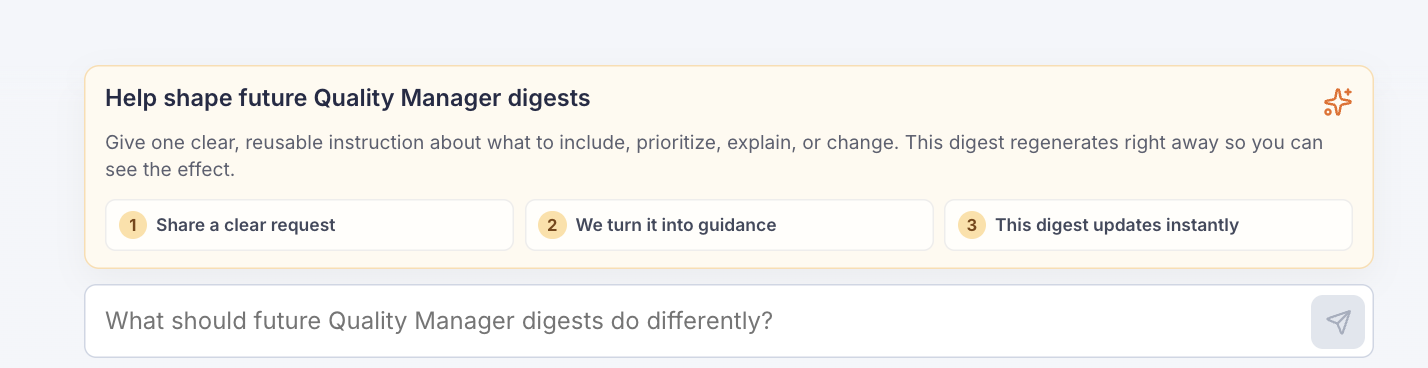
PERSONALIZED DIGESTS
These are just a few examples. You choose the audience, the cadence, and what's included — anything from a quick weekly pulse for the whole team to a daily pulse for high-volume programs.
QUALITY MANAGER · WEEKLY, DETAILED
Full detail by vendor, language pair, and error category — the depth a QM actually works from.
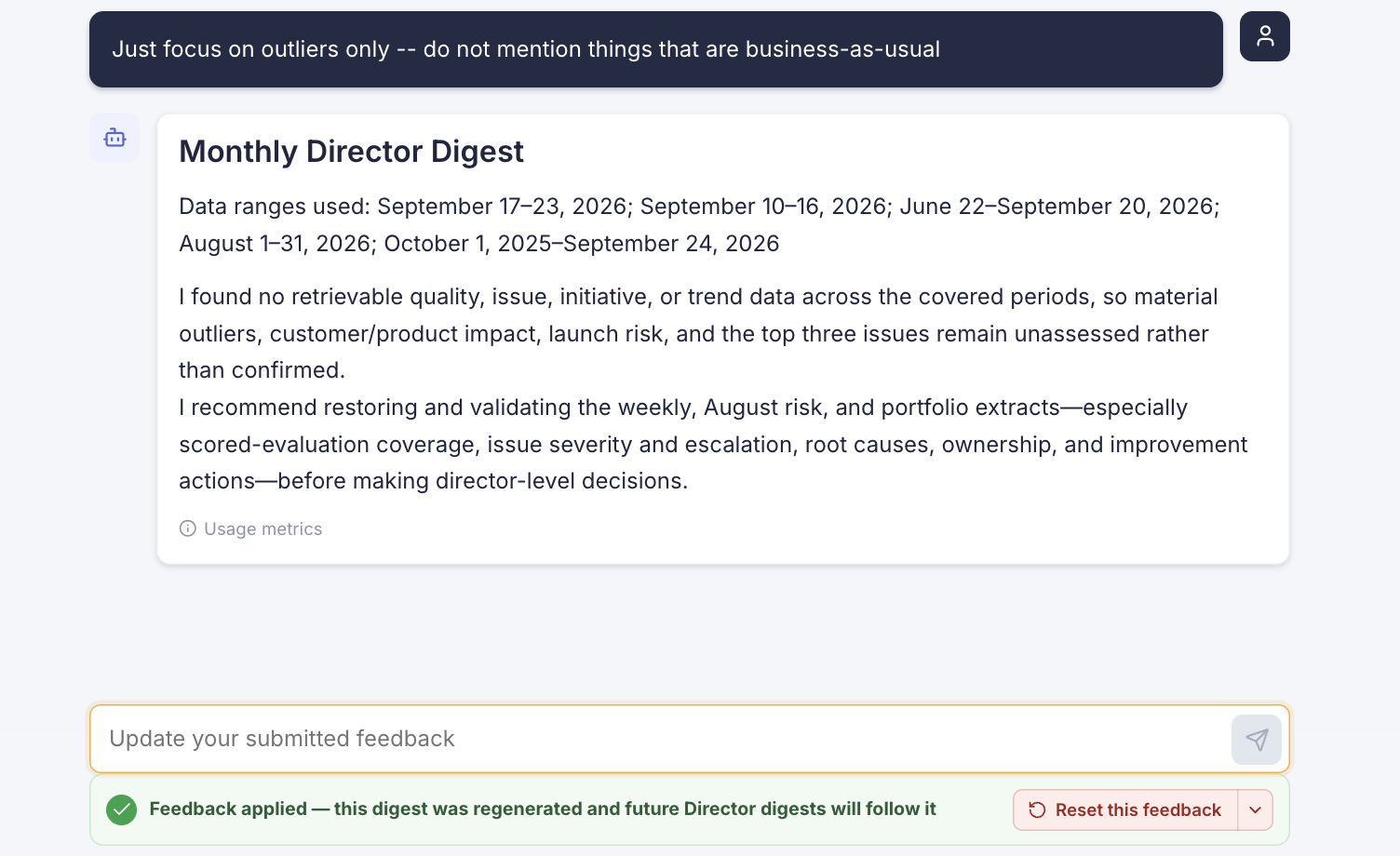
LOCALIZATION DIRECTOR · MONTHLY SUMMARY
Short and scannable — built for a leadership update, not a spreadsheet.
TRANSLATION SUPPLIER · BI-WEEKLY, SCOPED
Vendors see only their own evaluated output — so you can share quality data externally without exposing anyone else's.
Plug in the AI model you already use and trust. OpenAI, Anthropic, Google Gemini, or an approved open-source model. ContentQuo doesn't train on your data, your requests simply pass through to the model you've chosen, under whatever data terms you already have with that provider.



.png)